Use your voice
Hold the microphone, describe one expense or several, then release. Review descriptions, amounts and categories before saving.
The expense stays.The weight lifts.
Say what you spend. See where your money goes.

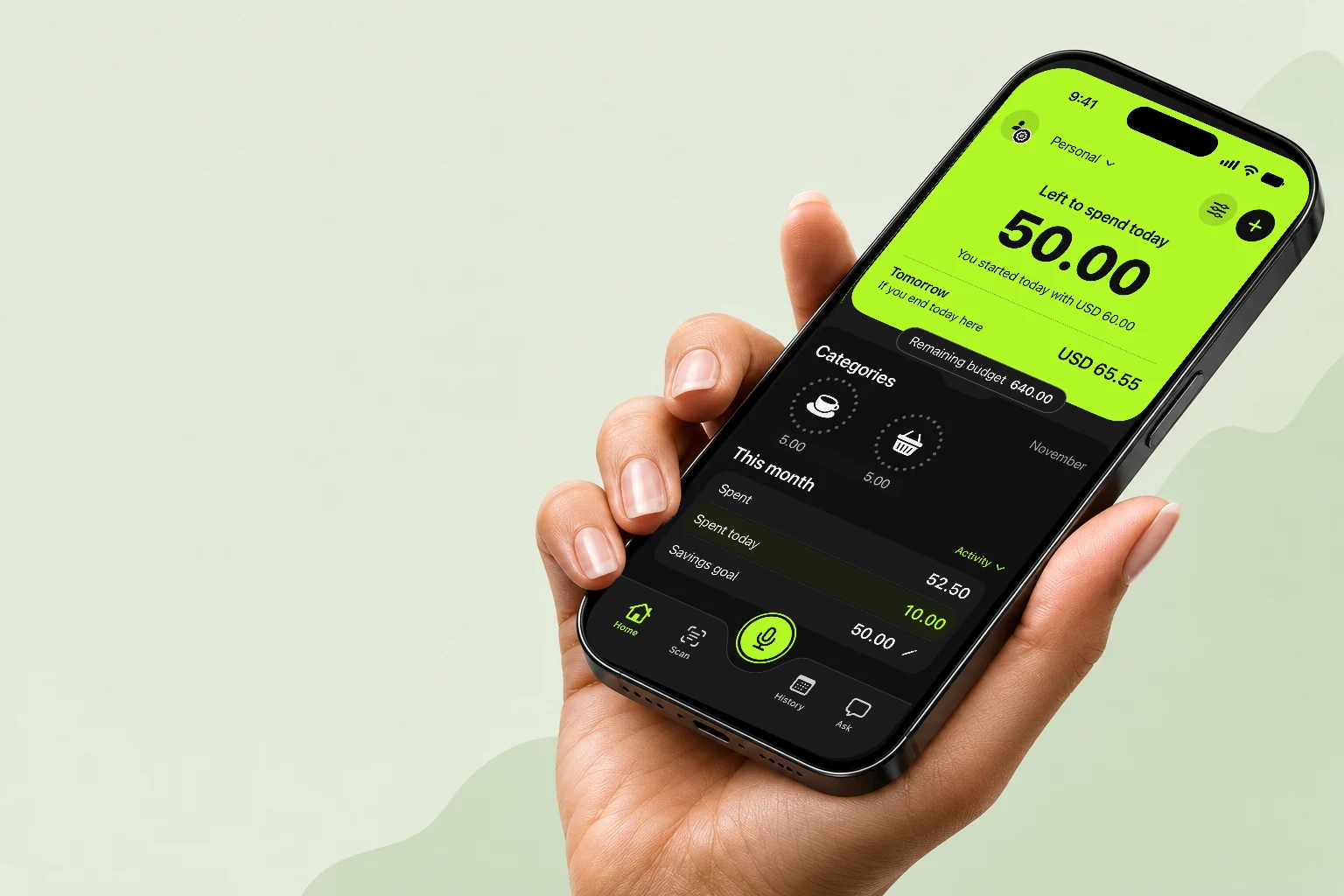
With Margen for iPhone, log expenses by voice, with a receipt photo or by hand. You always have the final say before saving.
Hold the microphone, describe one expense or several, then release. Review descriptions, amounts and categories before saving.
Photograph a receipt or choose an image. Review the suggested expense before you save it.
Type a description and an amount. Manual expense entry also works offline.
“Coffee, four fifty…”
Logging is just the start. Find your expenses and give your month a direction.
Set a budget and, if you like, a savings goal. See how much is left to spend.
Left to spend today · Example$50.00
Track shared expenses with family, on trips or for a project. Keep everything together.
Keep household expenses visible to the group.
Keep what you spend together in one place.
Every shared expense keeps its author.
Choose where each expense belongs and browse your groups’ expense history.
Ask by voice or text and get answers based on the expenses you've recorded.
How much did I spend on transport?
$42.50 this month.
Scan a receipt or import a card statement. Review the transactions before you save them.
Find expenses by date or category, and keep track of your cards, payments and installments.
See how much you have left to spend today from your iPhone Home Screen.
You can also organize recurring expenses, track money you've lent and export your history as a CSV.
Margen is only for iPhone.
No. You can also enter an expense manually or use a receipt photo. Voice is optional, and you can always review the result before you save.
No. You decide what to log. Margen can work with Apple Pay through an automation you configure in Shortcuts on your iPhone. This doesn’t capture every purchase or give access to all your bank accounts.
Group members can see shared expenses and who added them. Each person manages their own expenses. Choosing a group doesn’t transfer money or settle debts.
Margen has English and Spanish interfaces. You can switch this page’s language using the ES / EN selector.
An iPhone app. In English and Spanish.
App Store